
Customer Helpdesk
File a ticket and we reply by email with a reference number, or call the desk.
X-ray check
Has my container been X-rayed?
Type the entry number from your customs papers and tap Check status. Every van under it that has been X-rayed shows, with its scan date.
New customers
Customer Information Sheet
Fill it in once before your first transaction (or to update your records) and hand it to Billing & Cashier or Credit & Collection.
What to attach
- BIR Certificate of Registration (Form 2303)
- Withholding agents: BIR Form 2307
- Zero-rated customers: the zero-rating certificate
Online portal
KTC Online Portal
File, track and pay online. Until it opens, everything runs at the counter below.
Coming soonOnline payment
Pay online, then send us the proof
1 · Scan the QR or transfer

- Bank
- Security Bank – Davao Lanang
- Account name
- KTC Container Terminal Corp.
- Account no.
- 0000012086732
Scan with any bank or e-wallet app (QRPh), or transfer to the account. Pay the exact assessed amount, with your job or container number as the reference.
2 · Send proof of payment
Send it to Customer Service
A screenshot of the payment and your job or container number. Your official receipt is released once the payment is confirmed.
Send proof of paymentOr send it by Viber · 0912 600 0097 or email · support@ktcport.com, with your job or container number.
Need the amount first? Call or text Billing & Cashier at 0912 600 0097 for your assessment. Customer Service also takes calls for charge verification.
At the counter
Where to pay and what to bring
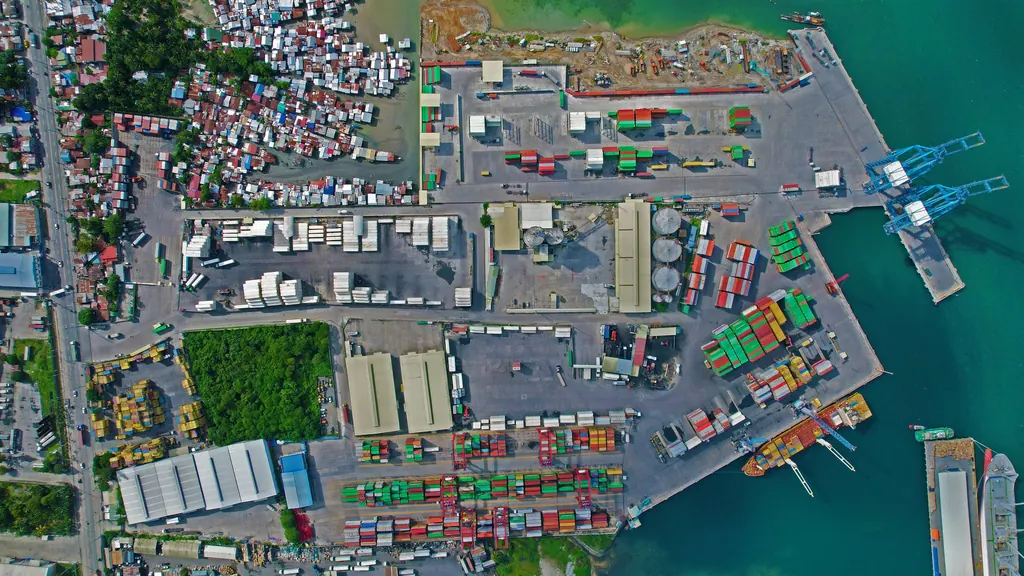
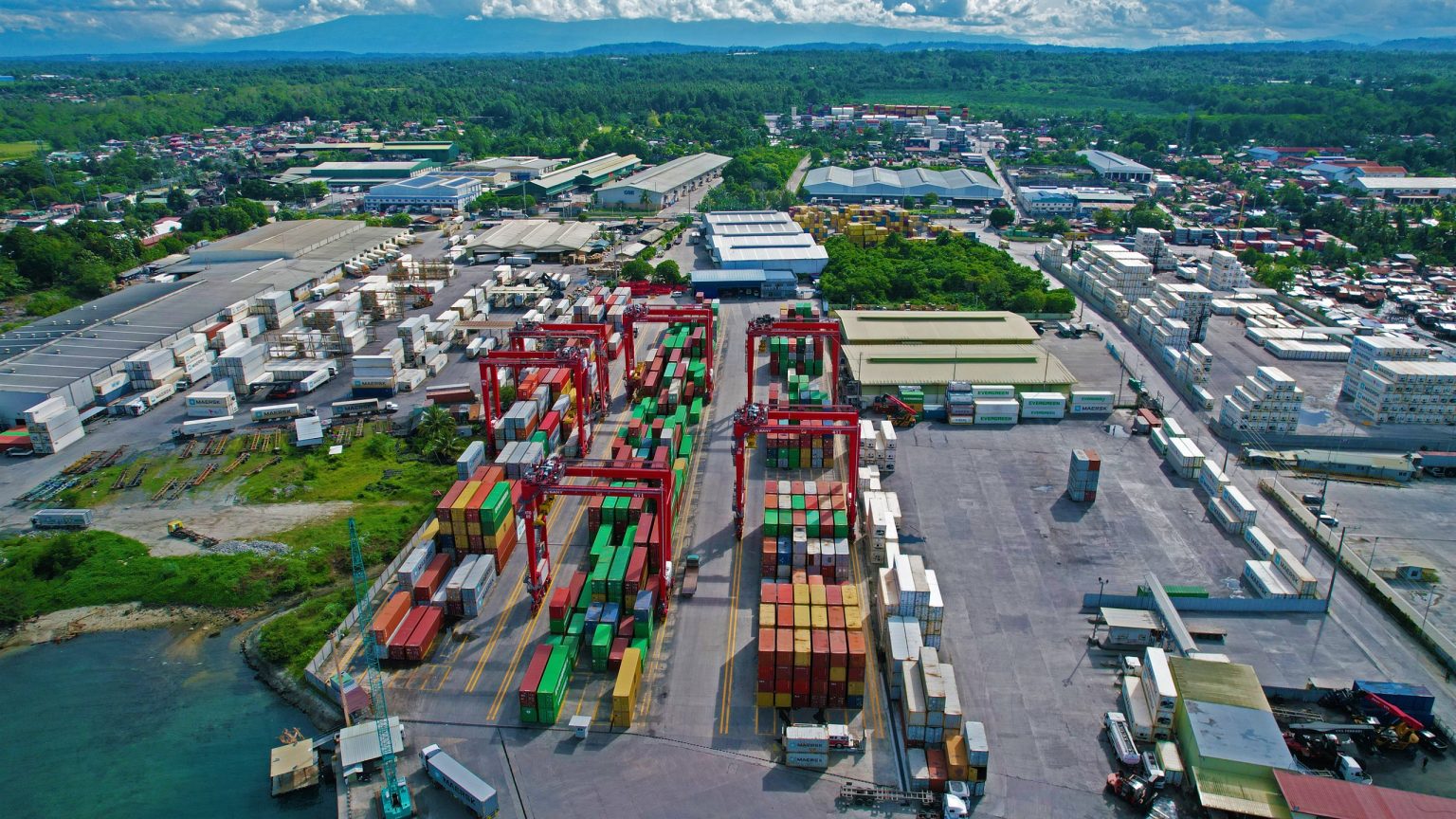
Billing & Cashier, KTC Terminal
Purok 16 Buhisan, Tibungco · Km 20, Davao – Agusan National Road
- Mon–Fri
- 9:00 AM – 6:00 PMLast queue 4:30 PM
- Sat & holidays
- 8:00 AM – 5:00 PMLast queue 4:00 PM
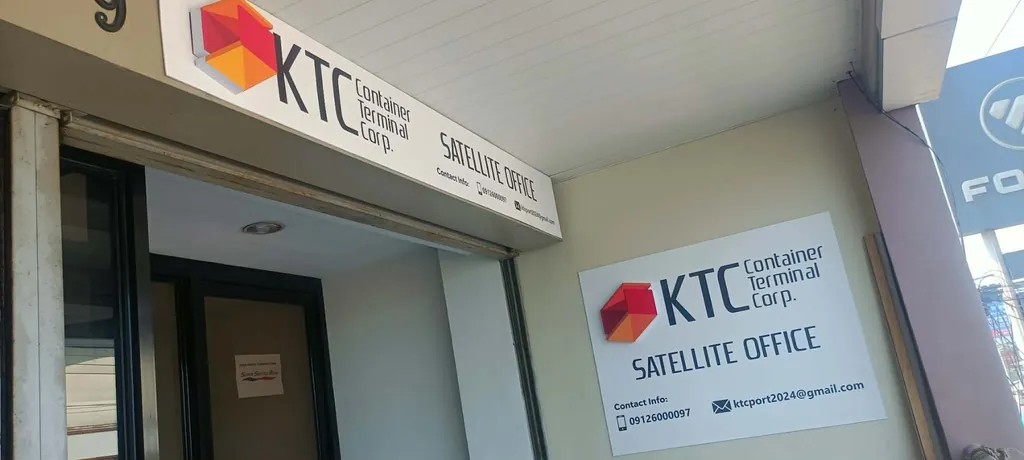
Billing Satellite Office, Panacan
2nd Floor, Door 9, J&T Cache Carrier Building, Km 13, Panacan, Davao City
Same hours, last queue and charges as the terminal.
DirectionsCash or manager’s cheque, with complete documents. To pay without a visit, see Online payment above.
What to bring
Every visit: original documents, a valid ID and a contact number. Sending someone? Add an authorization letter from the consignee, shipper or broker.
Import · container release
- Bill of Lading (copy)
- Delivery Order from the shipping line
- Customs release (gate pass or release order)
- Truck plate number and driver’s name
Export · container deposit
- Booking confirmation, with vessel and voyage
- Export declaration, or the broker’s proof of lodgement
- Container number, seal number and VGM declaration
- Reefers: the set temperature and ventilation
- Free time is 4 calendar days before the vessel; earlier, storage applies
Loose and breakbulk cargo
- Bill of Lading or Delivery Order for the lot
- Packing list: pieces, weight and dimensions
- Customs release for the lot
- Heavy or over-size pieces: tell Operations a day ahead
Plug-in, storage, weighing, empties
- Reefer plug-in: container number and the line’s temperature
- Storage extension: the Delivery Order and the days needed (charged per day)
- Weighing: the truck and container details
- Empty return or pick-up: the line’s release or the EIR
Not sure? The Customer Helpdesk checks your papers before you come: 0912 600 0097.
New website
How to use ktcport.com
A one-minute demo of what you can do here, then the questions we hear most.
Find your way
The demo needs JavaScript. The questions below cover the same ground.
Questions
Is this still ktcport.com?
Yes, same address. Old links to the rates and services pages now open the right new page.
Where is the tariff?
It will be on Announcements, under Rates and forms. Until then, call or text Billing & Cashier at 0912 600 0097.
My entry number shows no X-rayed vans. What now?
Vans show once the day’s X-ray report is entered. Check the entry number on your customs papers, then try again later or call the X-ray desk at 0935 027 1710.
Can I pay online?
Yes. Scan the QR or transfer to our bank account, then send the proof. Pay the exact assessed amount, with your job or container number as the reference.
When do I get my official receipt?
Once Customer Service confirms the payment. Sent with the form on this page, your proof gets a reference number by email right away.
How do I know the amount to pay?
Call or text Billing & Cashier at 0912 600 0097 for your assessment.
Where do I pay in person?
Billing & Cashier at the terminal (Km 20, Tibungco) or the satellite office (Km 13, Panacan): same hours and charges at both. Hours and what to bring.
Can I file or track transactions online?
Not yet. The KTC Online Portal is coming soon; we will post a notice when it opens.
How fresh is the vessel schedule?
It updates from Operations every 10 minutes. ETD is confirmed on arrival.
What happens to the details I send?
We use them to reply to you and to confirm payments. Our Privacy policy sets out every use and your rights.
Directory
Call a desk
Each desk with its own hours, Philippine time (GMT+8). Mobile numbers are Philippine (+63).
Customer Helpdesk
Customer Service, Billing & Cashier
- Mon–Fri
- 9:00 AM – 6:00 PM
- Queue cut-off 4:30 PM · Tibungco terminal and Panacan
- Sat and holidays
- 8:00 AM – 5:00 PM
- Queue cut-off 4:00 PM
Admin
Credit & Collection
- Mon–Wed
- 8:00 AM – 7:00 PM
- Thu–Fri
- 8:00 AM – 6:00 PM
Operations
CY and Vessel Ops
- Daily
- 8:00 AM – 5:00 PM
- Vessel and yard operations
- Every day
- 24 hours
- Gate · Truck entry cut-off 11:30 PM